Publish a studyflow
The Behaverse Data Server can execute a .studyflow file as a live study: participants reach a URL, the runtime walks the diagram, and the resulting data is collected and stored. This guide covers the publish flow from the modeler.
Prerequisites
- A
.studyflowfile open in the Modeler app. - A Behaverse account and API key. Sign in on the modeler’s login screen – guest mode lets you draft but not publish.
Publish from the modeler
- Sign in with your Behaverse API key.
- Confirm the diagram is valid: every start event has an outgoing flow, every end event has an incoming flow, gateways are fully wired. The modeler highlights validation issues in the inspector.
- Open File → Publish. The modeler uploads the
.studyflowfile to your account on the data server.
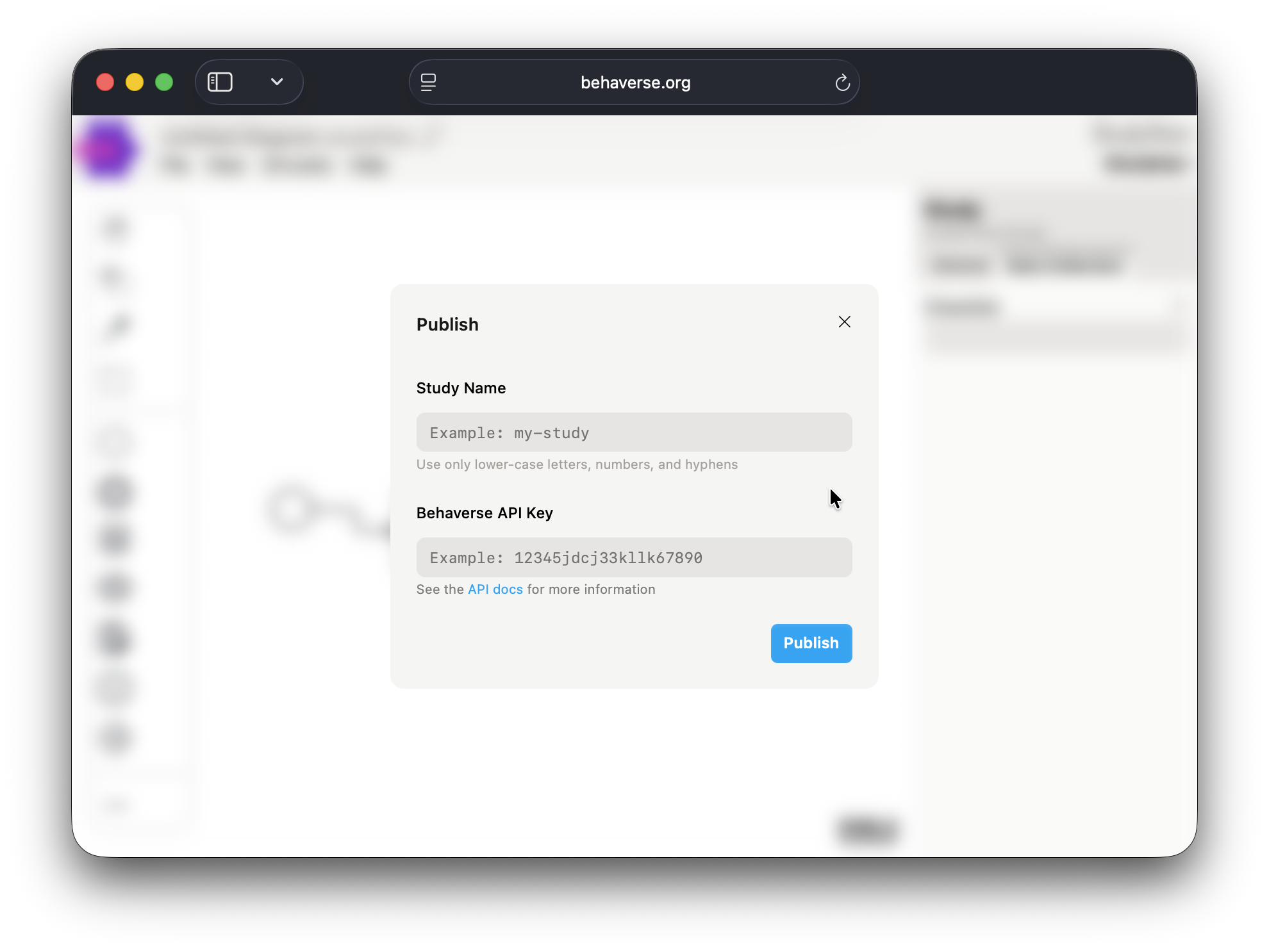
After publishing, the data server gives you a participant-facing URL. Share that URL with your participants to begin data collection.
What gets uploaded
The .studyflow file and its embedded metadata. Specifically:
- Element definitions and their attributes (questionnaires, cognitive tasks, gateways, data stores).
- The control flow (sequence flows, gateway logic).
- Data schemas associated with
DatasetandTableelements.
Local assets (custom stimulus images, audio, external scripts) need to be uploaded separately or referenced by URL.
What doesn’t transfer
The rendered SVG/PNG is not used at runtime – the data server renders its own participant-facing UI from the diagram structure, not from the modeler’s visualization. Visual layout in the modeler is for human readers; the runtime ignores it.
Versioning
Each publish creates a new version on the data server. Earlier versions remain accessible by ID so studies that are already running don’t break when you push updates. Tag your .studyflow source with the study version (a top-level attribute on the Study element) so the local file matches what’s published.
Troubleshooting
- “Cannot publish in guest mode.” Sign in with an API key.
- “Validation failed.” Check the inspector for highlighted issues – usually an unconnected element or a gateway with no condition.
- “Asset URL not reachable.” External stimuli referenced by URL must be publicly accessible. Upload them to the data server or use a public CDN.
- Participants see a different flow than you expected. Confirm that the version on the server matches your local file by inspecting the study version metadata.